RAWR Messenger
____Improving Usability in an Avatar Messaging App
As a UX/UI consultant, I reviewed and refined the high-fidelity MVP prototype. Focusing on improving efficiency, speed, and usability of core interactions.
Role
Company
Timeline
Team
Product
UX/UI Consultant
FutureFly Ltd.
2016
PM
2 UX Designers
10 Engineers
Consumer Mobile App Mobile
Real-Time Messaging
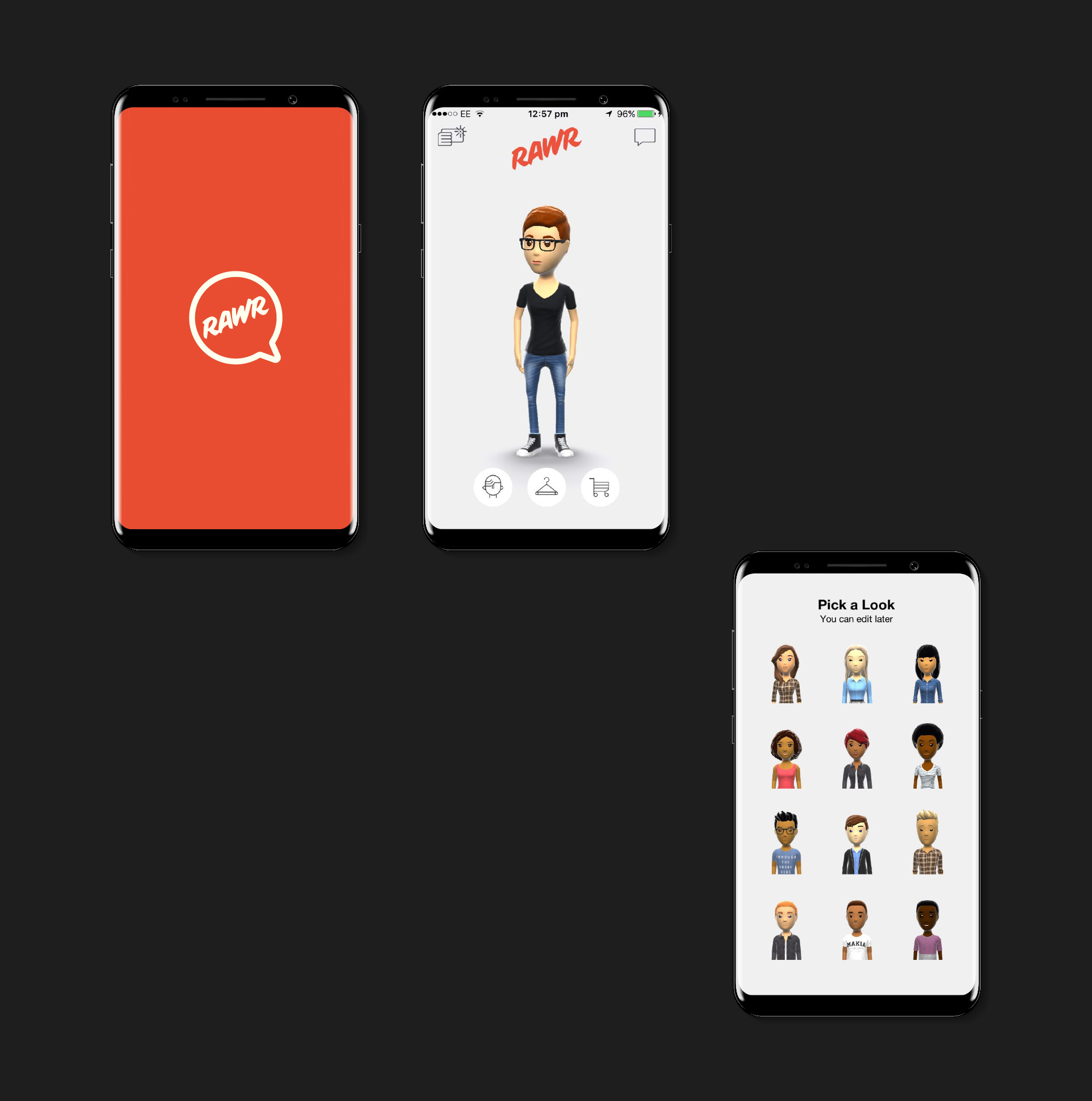
RAWR Messenger was a mobile messaging application built around real-time animated 3D avatars. Users could create a personalized avatar and interact with others through chat, triggering animations and gestures to express emotion beyond text.
The product’s differentiation relied heavily on novelty and expressiveness. However, because messaging is a high-frequency activity, even small inefficiencies in interaction design could significantly impact usability, engagement, and adoption. My role was to review the MVP prototype and propose targeted UX and UI improvements to streamline core flows without altering the underlying concept.
While the avatar-based approach added expressiveness, several usability issues risked undermining everyday use:
1____Core interactions required unnecessary steps, slowing down communication and increasing friction during frequent tasks. [2, 4]
2____Avatar customization screens were visually dense, making controls harder to understand and operate efficiently. [3, 6]
3____Primary actions were not consistently optimized for one-handed, thumb-driven mobile use. [1, 5]
4____Inconsistent iconography reduced learnability and increased cognitive load in an already visually rich interface. [3, 6]
These issues were particularly critical because messaging apps compete on speed and ease of use; even minor delays can discourage repeat use.
Problem
Design Approach
My approach focused on interaction efficiency and ergonomic usability, guided by established mobile UX principles:
1____Reduce the number of steps between intent and action.
2____Optimize control placement for comfortable thumb reach.
3____Improve clarity through consistent visual language and affordances.
Rather than introducing new features, the goal was to refine existing screens so users could access the app’s expressive capabilities with minimal effort.

Solution - Key Contributions
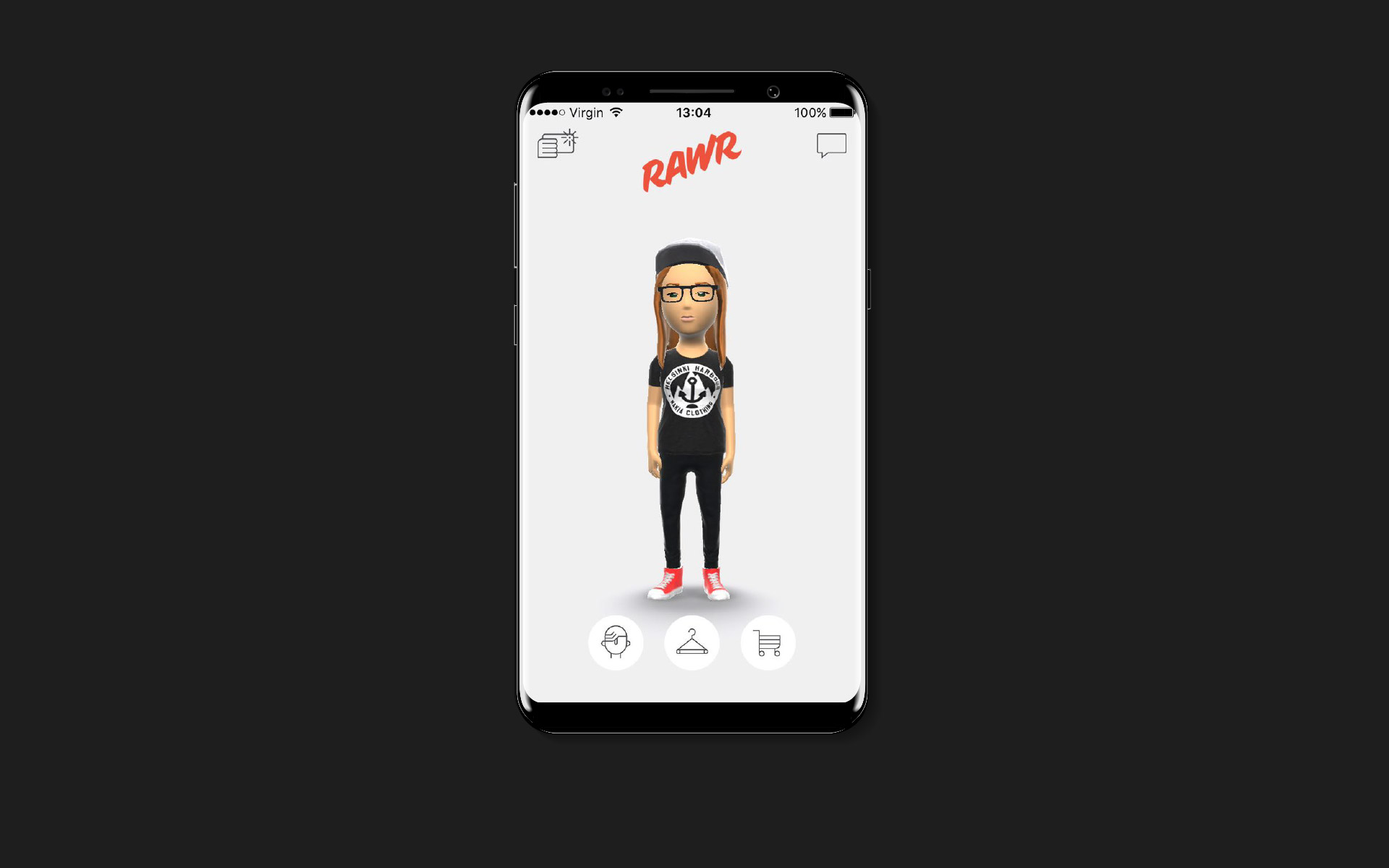
Avatar Setup____Efficient Customization
Design intent
Enable fast, comfortable avatar creation without overwhelming users.
Work done
Designed and repositioned toggles, selectors, and buttons for avatar attributes (hairstyle, skin tone, eyes, etc.), placing primary controls within thumb-reachable zones and grouping related options consistently.
Why
Mobile usability research shows that controls placed within comfortable thumb reach reduce interaction effort and error rates, especially during repeated use. Clear affordances and consistent grouping reduce cognitive load in visually dense screens, making customization faster and more intuitive. [1, 3, 5, 6]
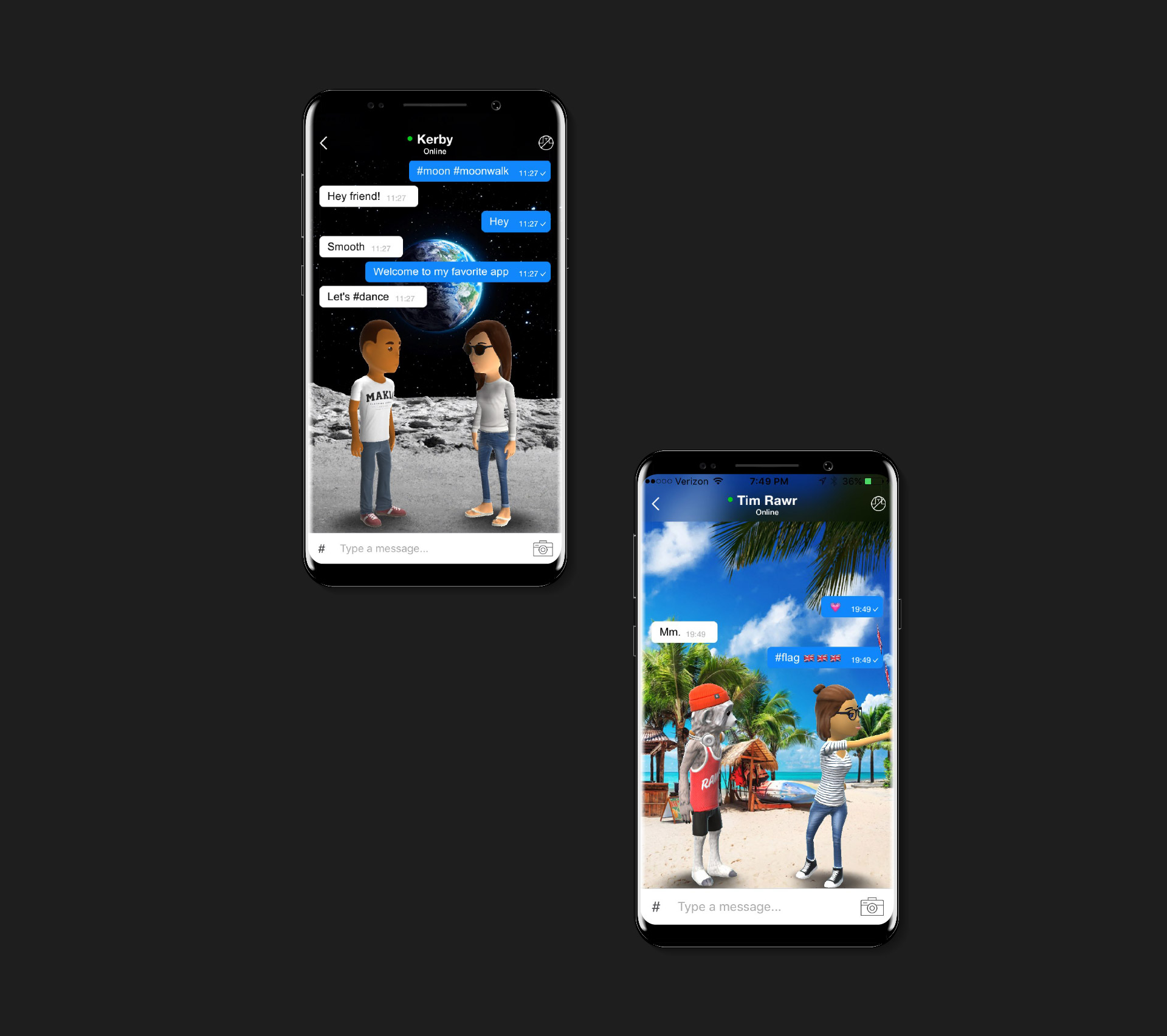
Main Chat Window____Reducing Steps to Communicate
Design intent
Shorten the path from intent to message delivery.
Work done
Redesigned the chat interface to place the text input directly within the chat view, eliminating a separate interaction layer and reducing the number of steps required to send a message or trigger avatar animations.
Why
Reducing interaction steps and minimizing context switching improves efficiency and perceived responsiveness in mobile interfaces. Aligning input and output in the same visual context supports faster task completion and smoother conversation flow. [2, 4, 8]
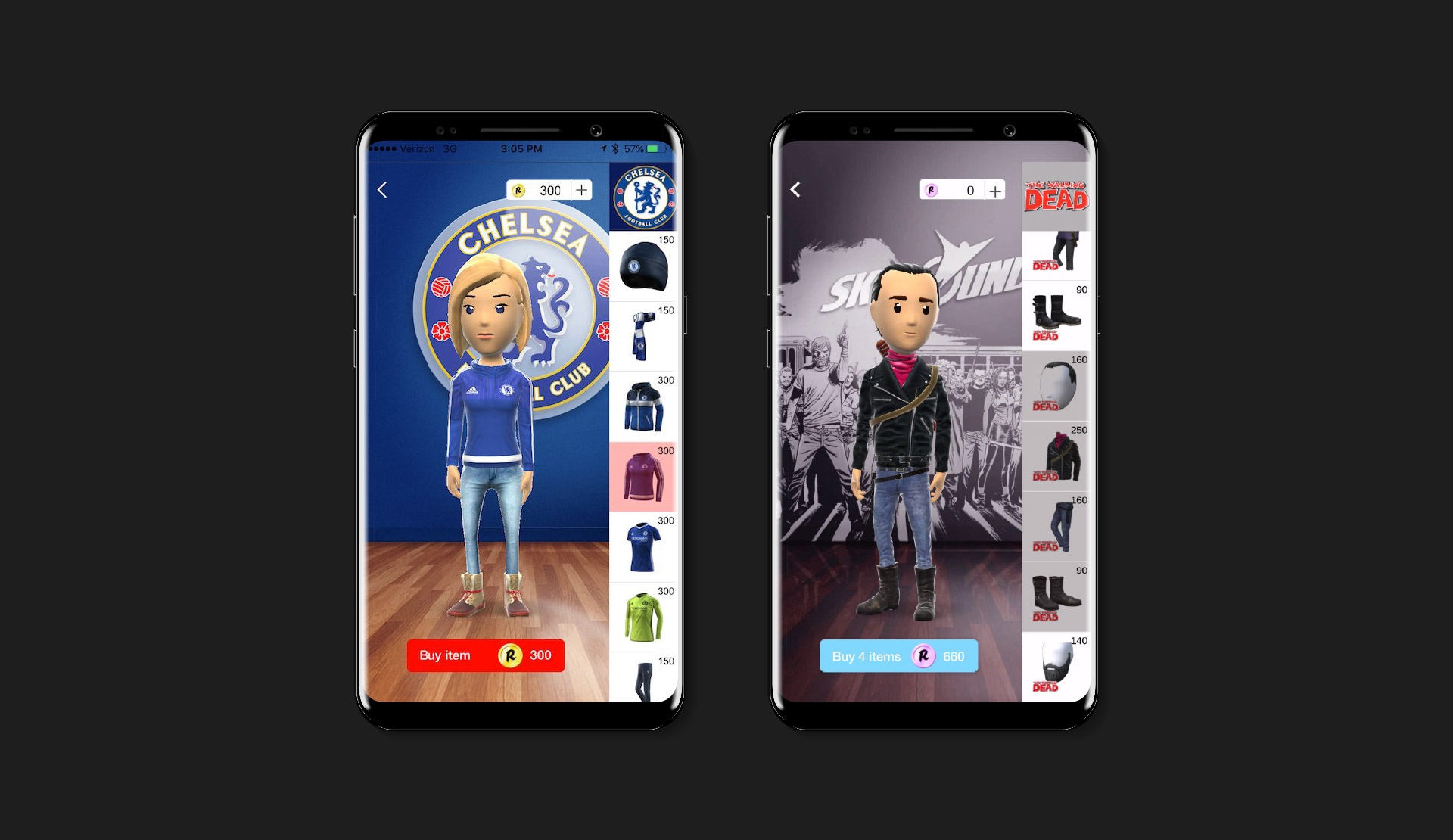
Icon System & Pictograms____Clarity and Consistency
Design intent
Improve learnability and visual coherence across avatar customization.
Work done
Designed a consistent icon and pictogram system for avatar options and actions, ensuring clear visual differentiation, consistent metaphors, and alignment with the overall UI style.
Why
Consistent iconography improves recognition and reduces the mental effort required to interpret controls, which is especially important in feature-rich or novel interfaces. A clear visual system helps users learn faster and make confident selections. [3, 6]
Outcomes & Learnings
1____Efficiency is critical in high-frequency interactions
Reducing steps and aligning controls with natural hand positions significantly improves the usability of messaging experiences, where speed is essential. [1, 2]
2____Novelty must be supported by usability
Expressive features such as animated avatars only succeed when core interactions remain fast and intuitive.
3____Small refinements have outsized impact
Minor changes to input placement, control layout, and icon clarity can meaningfully improve the overall experience without expanding scope.
4____Consulting impact comes from focus
Targeted improvements to core flows can deliver value quickly, particularly in MVP-stage products with tight constraints.

References
1____Hoober, S. — How Do Users Really Hold Mobile Devices?, 2013
2____Wroblewski, L. — Mobile First, 2011
3____Norman, D. A. — The Design of Everyday Things, 1988
4____Nielsen, J. (Nielsen Norman Group) — Mobile Usability, 2015
5____Fitts, P. M. — The Information Capacity of the Human Motor System in Controlling the Amplitude of Movement, 1954
6____Lidwell, W., Holden, K., & Butler, J. — Universal Principles of Design, 2010
7____Sauro, J., & Lewis, J. R. — Quantifying the User Experience, 2012
8____Kaptelinin, V., & Nardi, B. — Acting with Technology: Activity Theory and Interaction Design, 2006